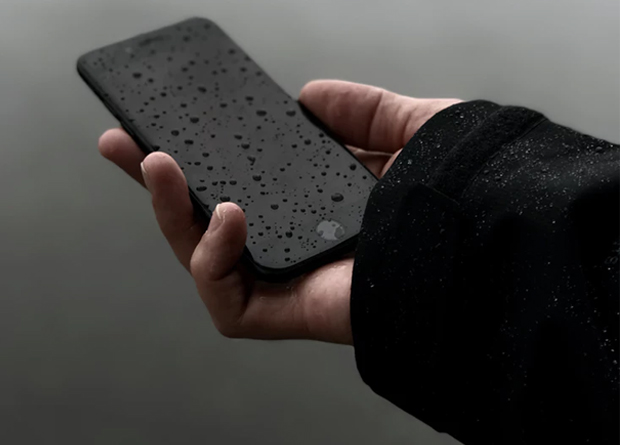
Have you dropped your iPhone in the bath? Put it in the washing machine? Dropped it in a stream? No matter why your iPhone has received water damage, don’t panic. There are things that you can do to not only recover your data, but potentially fix your phone as well.
Keep reading for some of the more common solutions.
1. Don’t Turn It On
If your iPhone has suffered water damage, it likely turned itself off. Whatever you do, don’t attempt to turn it back on. If the water has reached the interior of the device, attempting to switch it back on could cause more harm than good.
2. Remove the SIM Card
After ensuring the device is switched off, the next step is to remove the SIM card. Even if you are unable to save your device, you may still be able to recover the data on your SIM with the help of a company like Secure Data Recovery. Once the SIM card has been removed, place it somewhere safe to air dry and leave the SIM card slot open to allow air to reach the inside of your phone.
3. Wipe the Exterior
Taking a cotton cloth or some tissue paper, wipe the exterior of your phone until the cloth or paper comes away dry. If you currently have a case protecting your phone, remove this as well and throw it away. To minimize the amount of damage, make sure to use slow, gentle movements when wiping your phone and don’t apply too much pressure.
4. Leave It in a Warm, Dry Place
After taking the steps above, the next thing you’ll want to do is leave your phone in a warm, dry place. This could be somewhere like the airing cupboard, on top of a desktop computer or large television, or in a window that sees a lot of sun. The aim here is for the heat to evaporate the water inside the phone. You could also consider surrounding your phone with silica gel packets. Electronic items usually come with these packed inside, but you can also buy them from most tech stores.
5. Consider Using Rice
You may have heard about using rice to dry electronic items and the jury is still out on how well this method works. That said, it’s still worth a try. If your phone still feels wet, you can place it inside a bag of clean, uncooked rice, which should further help to remove the moisture. Ensure you leave it there for at least a day before removing it, and clear it of any rice that has got lodged inside.
6. Dismantle It
If, after trying the methods above, your phone still won’t turn on, your last option is to carefully dismantle it. This should give it some further air and dry the interior fully. After a few hours, you can re-assemble it and try to turn it back on.
If the steps above don’t manage to save your phone, hopefully you will still be able to retrieve the data from your SIM card. All being well, if you follow the steps carefully and practice patience, you will be able to use it like normal.