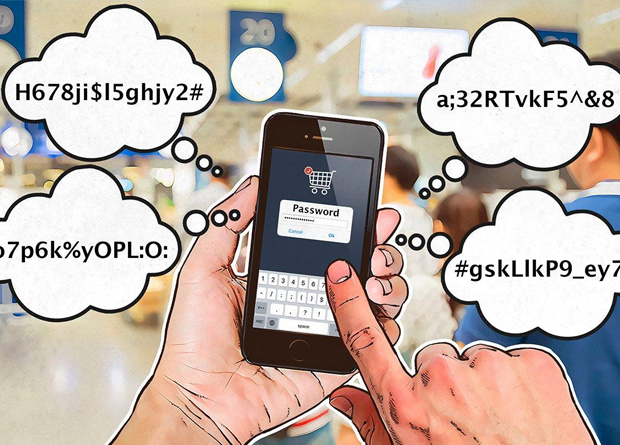
To mark Change Your Password Day, 2019, Kaspersky Lab’s security researchers are advising users that unique, memorable passwords are stronger and more effective than regularly changing account passwords when it comes to keeping data secure online. The researchers have shared some easy steps that people can follow to create their own series of unique passwords. They also recommend installing a password management tool that does the hard work of remembering passwords for you.
Passwords are an established method of authentication for online accounts, but creating passwords that are both secure and memorable is not always easy, and is becoming harder as people have more online accounts. If you create simple passwords that you are unlikely to forget, the risk of an attacker cracking it are higher. However, if you create a more complex password, you are more likely to forget it, so the chances are high that you will stick to just one or two and reuse them for multiple websites.
Kaspersky Lab researchers estimate that the greatest vulnerability of passwords is their re-use. As the recent release of more than 700 million email addresses and millions of unencrypted passwords showed, data from different breaches can easily be combined and used in ‘credential stuffing’ attacks, where hackers use victims’ email/password combinations to break into their other accounts that have the same password.
This risk is not reduced by changing passwords, but by making them strong. Further, this strength should be built not on complexity but on uniqueness.
“There is a lot of confusion about what a strong password actually means. Many websites now demand complex passwords comprising at least eight or more upper and lower case letters, numbers and special characters. This is what many users have come to equate with a ‘strong’ password, and it can seem pretty daunting,” said David Jacoby, Security Researcher in Kaspersky Lab’s Global Research and Analysis Team (GReAT).
“The good news is that strong doesn’t have to mean scary! When you look at the issue from a security perspective, you can see that passwords are generally strong if they are unique to you and to one account. There are easy ways of making them unique, yet memorable, so that they cannot be used to breach other accounts, even if the details are exposed in a data breach. Further, there are secure password management tools available, including Kaspersky Password Manager that make it easy to safely create and use dozens of unique passwords,” added Jacoby.
The following steps will help you to create unique, memorable passwords that are strong:
Step 1: Create your ‘static string’ (the part of the password that doesn’t change)
- Think of a phrase, song lyrics, quotes from a movie, nursery rhyme, or similar that is memorable to you.
- Take the first letter from the first three to five words.
- Between every letter add a special character: @ / # etc.
From now on, you can base all of your unique passwords on this one string.
Step 2: Add the power of association
- When you think of the online accounts you need a password for (Facebook, Twitter, eBay, dating sites, online banking, shopping, or gaming sites etc.), write down for each the first word that you associate with that site.
- For example, if you are creating a password for Facebook, you might associate Facebook with the blue color in the logo: so, then you can simply append the word “blue,” maybe in all caps, at the end of your static string.
“For example, if the phrase you think of is ‘Twinkle Twinkle Little Star, How I Wonder What You Are,’ and the special character that you want to use is ‘#’, then your password for Facebook would be something like: T#T#L#S#Hblue. It makes no real sense when you look at it, or if someone gave it to you. But, since it’s personal to you, you understand the system used to generate your passwords, and you associate the word with the site, it’s easy for you to remember,” explained by David Jacoby.
The best way to back up, remember and securely auto-fill passwords is through a password management tool, like Kaspersky Password Manager. Kaspersky Password Manager is a secure password saver and password protection solution that allows you to create strong, unique passwords for all your online accounts, while only having to remember one master password to access them. The most secure password manager solutions, including Kaspersky Password Manager, offer robust encryption features, so there is little threat of your data being breached by a third party.