By Lily Asis
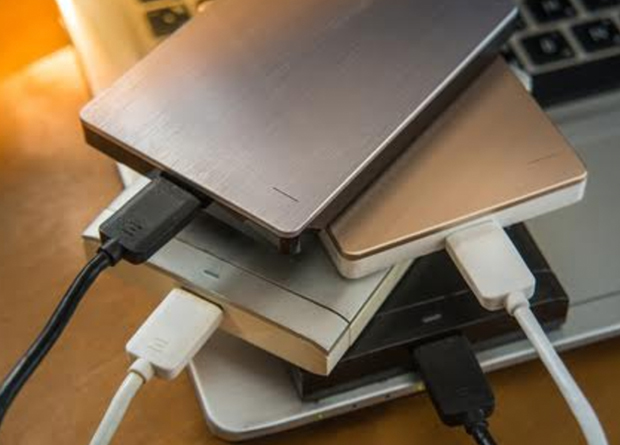
A crashing hard drive is an all-too-familiar situation. At one point or another of your computer’s life, your hard drive may crash and stop working. It can no longer read any of your data, save, or open anything, nor can it obey any instructions that you make on your computer. When you experience any of these signs, the best you can do is to extract your files and save them on an external hard drive, to be sure you don’t lose them.
Here are signs that you need to buy a new hard drive:
1. You can no longer install the latest operating systems.
Most tech giants such as Apple and Microsoft come up with new operating systems every year. These updates are meant to fix bugs, viruses, and other issues in older operating systems. Your computer must be able to install the latest operating systems. When your hard drive can no longer handle such, it means it cannot accommodate the required specifications of a new operating system and, hence, needs replacement.
2. You experience repeated program crashes.
When the programs that you run constantly crash, this can also be a sign of a hard drive problem. The same unfortunate situation holds when you cannot run applications smoothly or play games. For example, you were in the middle of typing a document and suddenly MS Word crashes, or you were browsing through Facebook and the application stopped working.
If these situations continue to happen often, it can be your hard drive telling you that it already needs a replacement.
3. The typical three symptoms of failure are present: blue screen of death, slowing down of computer speed, and frequent computer freezing.
The three common signs of hard drive failure are the blue screen of death, the slowing down of your computer’s speed, and frequent freezing. If any of these symptoms occur independently of each other, usually the problem is minor and you can fix it yourself by following the troubleshooting instructions that are provided by your computer’s manual or handbook. However, if these three happen alternately and frequently as a group, a hard drive failure is bound to happen soon. Replace your hard drive before you lose any of your data.
4. You can’t connect your hard drive to any other device.
With the advancement in technology, it is a common sight that there are multiple devices connected to your computer. When your hard drive is working perfectly fine, you can connect multiple devices to your computer and it will still run smoothly. For example, you can plug in a USB in one port and your cellphone on another. If your computer can no longer accommodate more than one device, have your hard drive checked as it may be aging and may require a new one.
5. Your computer no longer starts or switches on.
If your computer no longer switches on, you can first try to ask a repairman to take a look at it. If you’re lucky, it can still be fixed. The repairman may be able to retrieve your files, but it is not an assurance that your hard drive is still fine. In some cases, especially when your computer has already been with you for at least five years, you may be told to buy a new one.
6. Your data becomes corrupted.
When computer experts say your data is corrupted, it can easily mean one of the following:
- Your computer does attempt to open a file or search for it but still ends up showing “File not found” or “File can’t be opened.”
- Your files suddenly have errors in them.
- Your files have disappeared.
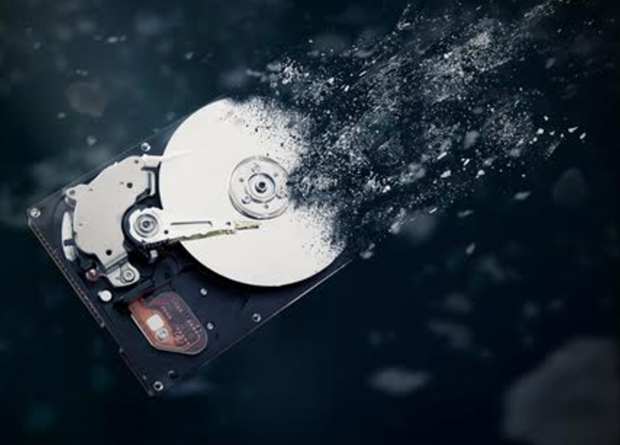
Corrupted data can be due to many other reasons, but the most common of them all is a progressive hard drive failure. Soon after this, other problems will start popping up, which will prompt you to purchase a new hard drive.
7. Your hard drive is running out of space.
If your hard drive is new and fresh, then space should not be an issue. As your hard drive gets old, the less space it will have. Even if you constantly refresh and delete programs, applications, and files, your hard drive will always reach a point that it’ll run on lesser memory, leading to a slower speed. There are two signs that your hard drive is running out of space:
- All of the RAM on your hard drive is used up even when you’re running only a few programs or applications at a time.
- The CPU usage, when you check your hard drive’s specifics, is already beyond 75%.
The rule of thumb is that if you constantly have to delete old applications and programs to accommodate new ones, then you’re better off buying a new hard drive.
Conclusion
These telltale signs will help avoid loss of all your precious files, memories, documents, and photos. Don’t forget that your hard drive, along with your other electronic devices, will have an end of their lifetime, too. Most hard drives only function well between three to five years and can last up to ten years, if you’re lucky. When you start to notice any of these signs, it’s best that you be proactive so that you can transfer your files before ultimately buying a new hard drive.