Internet users across the globe are yet to master how to use passwords effectively to protect themselves online. Research from Kaspersky Lab has shown that people are putting their online safety at risk by making bad password decisions and simple password mistakes that may have far-reaching consequences.
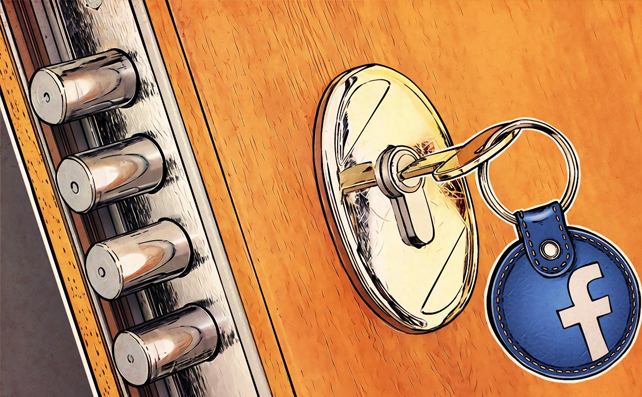
The research unearthed three common password mistakes that are putting a large number of Internet users at risk: (1) people use the same password for multiple accounts, meaning that if one password is leaked, several accounts can be hacked, (2) People use weak passwords that are easy to crack and (3) people store their passwords insecurely, defeating the point of having passwords at all.
“Considering the amount of private and sensitive information that we store online today, people should be taking better care to protect themselves with effective password protection. This seems obvious, but many might not realize that they are falling into the trap of making simple password management mistakes. These mistakes, in turn, are effectively like leaving the front door open to emails, bank accounts, personal files and more,” says Andrei Mochola, head of consumer business at Kaspersky Lab.
The research shows large numbers of people (almost one in five – 18%) have faced an account hacking attempt but few have effective and cyber-savvy password security in place.
For example, only a third (30%) of Internet users create new passwords for different online accounts and a worrying one-in-10 people use the same password for all their online accounts. Should one password be leaked, these people are therefore at risk of having every account hacked and exploited.
People are also not creating passwords that are strong enough to protect them from hacking and extortion. Only half (47%) use a combination of upper and lowercase letters in their passwords and only two-in-three (64%) use a mixture of letters and numbers.
That’s despite the fact that users think their online banking (51%), email (39%) and online shopping accounts (37%) need strong passwords.
The study also shows that people are mistreating their passwords – by sharing them with others and using insecure methods to remember them.
Almost a third (28%) has shared a password with a close family member, and one-in-ten (11%) has shared a password with friends, making it possible for passwords to be unintentionally leaked. Over one-in-five (22%) also admitted to writing their passwords down in a notepad to help remember them. Even if a password is strong, this leaves the user vulnerable because other people may see and use it.
“The Internet has been around for awhile now but people are still making simple mistakes when it comes to online passwords. The best passwords cannot be found in the dictionary. They are long, with upper and lowercase letters, numbers and punctuation marks. However, with people having so many online accounts today, it’s not easy to remember a secure password for everything. Using a password management solution can help people remember and generate strong passwords to minimize the risk of account hacking online,” Mochola said.
How To Use Passwords? Here are a few more tips on creating and using secure passwords from Kaspersky Lab’s blog.
- Invent and memorize reliable passwords. It’s rather hard to remember a meaningless combination, but you can easily learn symbols and figures that mean something personal for you.
- Type it on a keyboard about a dozen times. As a result, you’ll start typing automatically, without questioning yourself “What comes next?”. Moreover, high typing speed will protect you, when a curious coworker tries to remember your passwords by peeping over your shoulder.
- Never share your password with anybody, as well as the method you used to create it. For example, if criminals find out that you used words from your favorite song, they can examine your social media profile and thus engineer your password.
- You should use unique passwords for your most important accounts, especially for your email, online bank and social networks. One or two reliable passwords that you use everywhere are not enough. Cyber criminals might face certain troubles when stealing your login credentials from a bank (though not obligatory), but they would definitely be more lucky on a poorly protected dating website or something like that. And then there will be the ripple effect: a criminal will hack your accounts one after another.
- Apart from traditional passwords you should enable two-factor authentication on all important accounts. If a criminal hacks or somehow finds out your super-reliable password, this method will protect you.
- Aside from these tips, you can also use a special security solutions with password manager feature. Kaspersky Total Security has Kaspersky Password Manager which securely stores all passwords, addresses and credit card details, and synchronizes them across all devices so that users only need to remember one master password.