Ransomware has overtaken news about APT attacks to become the main topic of the quarter. According to Kaspersky Lab’s Q1 malware report, the company’s experts detected 2,900 new malware modifications during the quarter, an increase of 14 percent on the previous quarter.
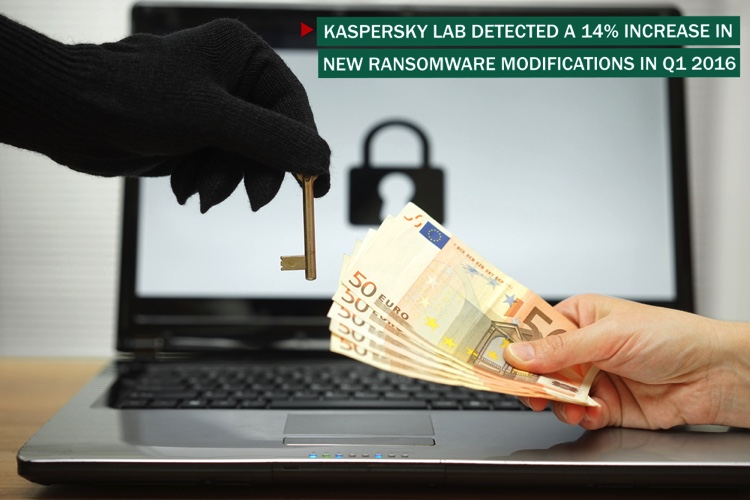
Kaspersky Lab’s database now includes about 15 thousand ransomware modifications and the number continues to grow.
One of the most famous and widespread ransomware in Q1, 2016 was Locky. Kaspersky Lab products detected attempts to infect users with this Trojan in 114 countries, and as of early May 2016 it remains active.
Another ransomware called Petya was interesting from a technical perspective because of its ability not only to encrypt data stored on the computer, but also to overwrite the hard disk drive’s master boot record (MBR), leaving infected computers unable to boot into the operating system.
According to Kaspersky Lab detections the top three ransomware families in Q1 were: Teslacrypt (58.4%), CTB-Locker (23.5%), and Cryptowall (3.4%). All three propagate mainly through spam emails with malicious attachments or links to infected web pages.
There is a further reason for the rise in ransomware attacks: users believe the threat is unbeatable. Businesses and individuals are not aware of the technology countermeasures that could help to prevent infection and the locking of files or systems; and by ignoring basic IT Security rules they allow cybercriminals and others to profit.
10 simple tips
To avoid dealing with consequences brought by ransomware, here are 10 simple tips to protect your data from this stealthy malware:
- Always back up your files. Make sure that you back up your important files regularly. It is highly recommended that you create two back up copies: one to be stored in the cloud (using services like Dropbox, Google Drive, etc.) and the other recorded to a physical means of storage (portable hard drive, thumb drive, extra laptop, etc.).
- Check your back up files. Regularly check that your back up copy is ok. There are times when an accidental failure can inflict damage to your files.
- Be keen with attachments. Cybercriminals often distribute fake email messages mimicking email notifications from an online store or a bank, luring a user to click on a malicious link and distribute malware. This method is called phishing. With that in mind, fine-tune your antispam settings and never open attachments sent by an unknown sender.
- Trust no one, literally. Malicious links can be sent by your friends on social media, your colleague or online gaming partner whose accounts have been compromised in one way or another.
- Enable ‘Show file extensions’ option in the Windows settings. This will make it much easier to distinguish potentially malicious files. As Trojans are programs, you should be warned to stay away from file extensions like “exe”, “vbs” and “scr”.You need to keep a vigilant eye on this as many familiar file types can also be dangerous. Scammers could use several extensions to masquerade a malicious file as a video, photo, or a document (like hot-chics.avi.exe or doc.scr).
- Regularly update your operating system, browser, antivirus, and other programs. Culprits tend to exploit vulnerabilities in software to compromise systems.
- Use a robust antivirus program. Choose solutions that prevent viruses from getting into your computer, or, should the virus infiltrate your system after all, protect important files using its special capability.
- If you discover a rogue or unknown process on your machine, cut off the Internet connection immediately. If the ransomware did not manage to erase the encryption key from your computer, there’s still a chance you can restore the files. However, the new strains of this type of malware use a predefined key, so this tip, unfortunately, would not work in that case.
- Don’t pay the ransom. If you are unlucky to have your files encrypted, don’t pay the ransom, unless the instant access to some of your files is critical. In fact, each payment fuels this unlawful business which would prosper as long as you pay money.
- Know the malware’s name. If you have been infected by ransomware, you should try to find out the name of the malware: maybe it’s an older version and it is relatively simple to restore the files. Ransomware used to be less advanced in the past. Moreover, the police and cybersecurity experts (including those working for Kaspersky Lab) collaborate to detain the adversaries and provide file restoration tools online. Some people have an opportunity to decrypt their files without having to pay the ransom.