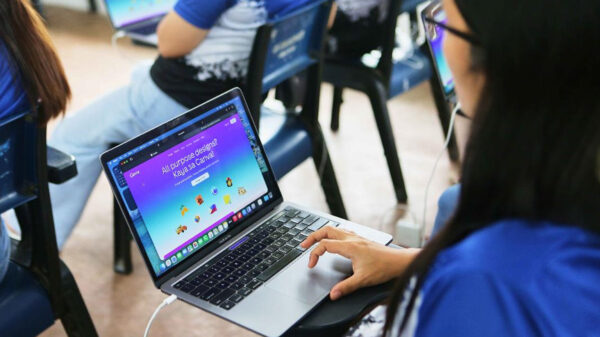
Over the past years, classrooms have evolved a lot. PCs were replaced by laptops, tablets became phablets like the Lumia 640 XL or smaller smartphones like the Lumia 532. Schools stopped using chalkboards and floppy disks, and started using digital screens, flash drives and cloud storages like One Drive. Other great innovations such as OneNote, now allow people to also bring classrooms into the digital age.
With the world’s fast-paced technological advancements, some members of the Philippine academe are now seeing the potential, and looking forward to having digitised classrooms with OneNote Class Notebook, an app for Office 365 that lets teachers create a digital notebook for each student and distribute their personalised lesson materials and homework, which their students can access anywhere, anytime, and even offline.
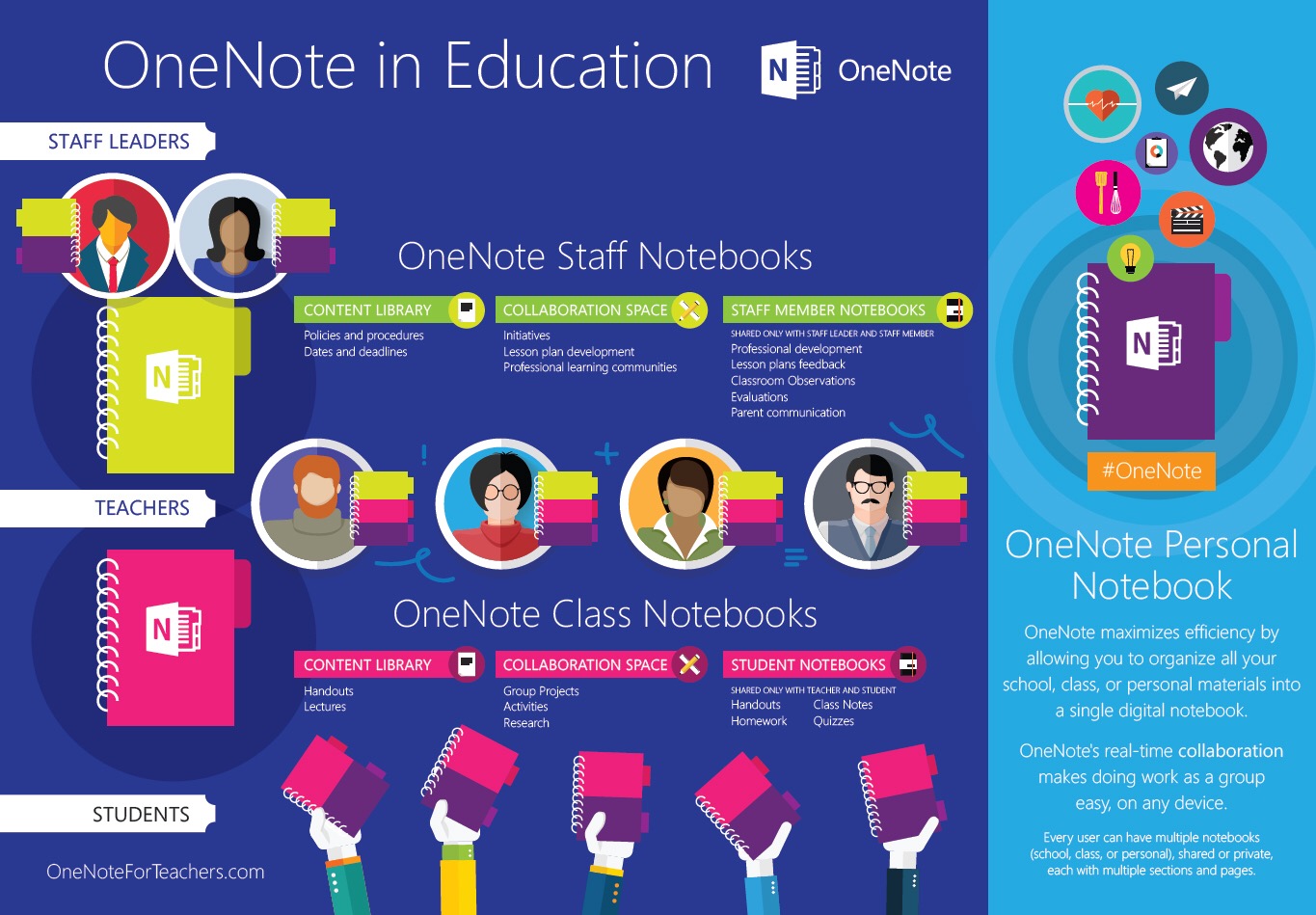
Prior to class, students may download the notes they need. As their teacher discusses the lesson that’s projected on the screen, they can edit and write their own notes right on their own copies. They can also manage their notes and tasks as OneNote carries with it a built-in to-do list feature, a camera and a recorder, productive tools a student can use for academic purposes.
“With OneNote, students will be extra-organized. Everything we need—notes, announcements, syllabus, handouts—can already be accessed through one device in just a few taps. Plus, there’s easy and sure connection with us and our professor,” says Daniella Montiel, a Mass Communication student at Pamantasan ng Lungsod ng Maynila. Benedict Gracilla, an Accountancy student from Imus Institute adds, “There is no chance that Microsoft OneNote cannot help in one way or another both the students and instructors. It will benefit not just schools but also other firms who intend to adapt such great technology.”
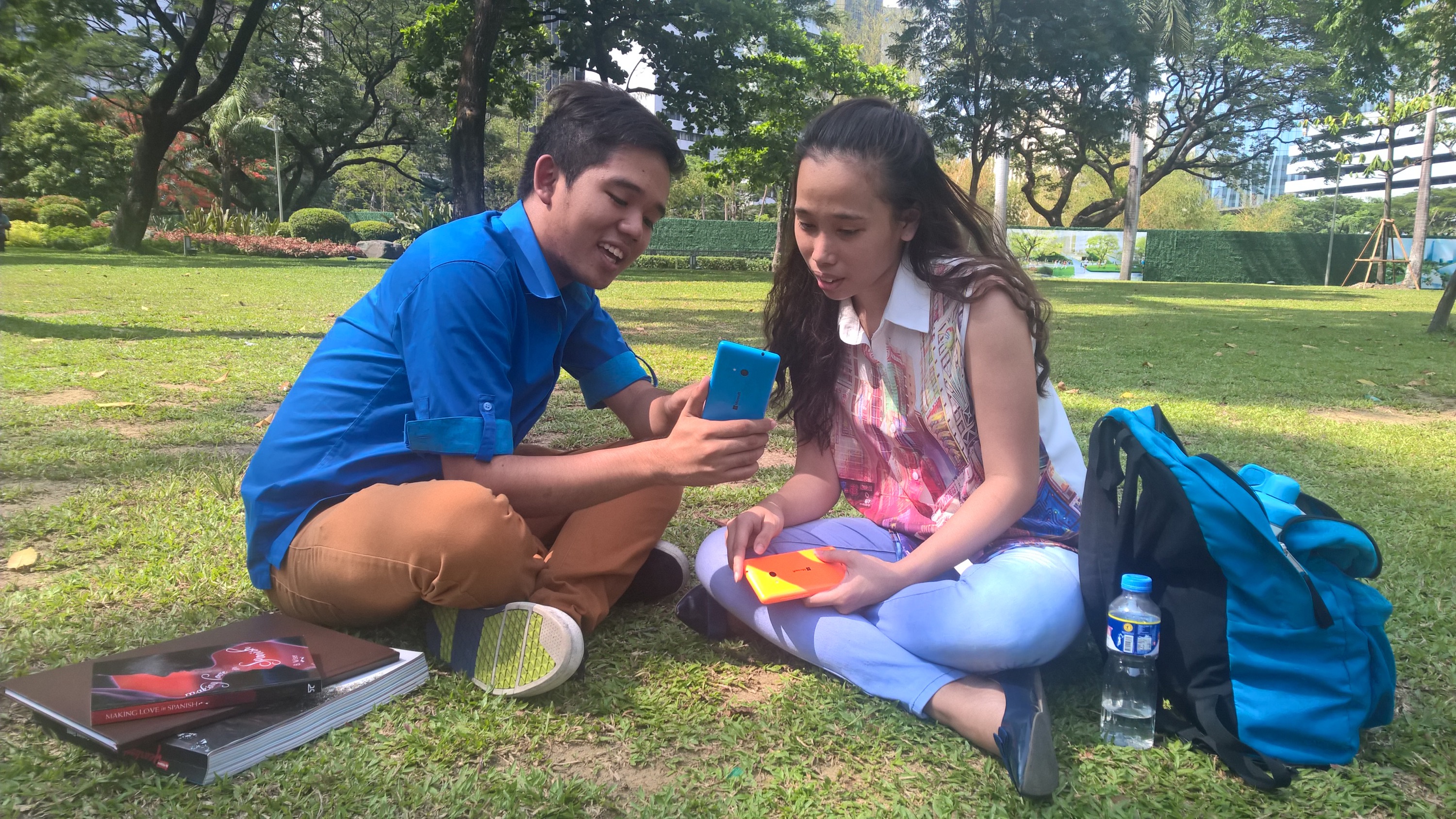
In classrooms, devices such as Lumia 640 XL, can be used to replace their paper notebooks; while at home, they can use the same device or more affordable Lumia models, like Lumia 535 or 432, to complete requirements for the next day. They can edit their work, and even ask for their teacher’s input.
For educators, there is the OneNote Staff Notebook, another app for Office 365 that lets educational staff leaders set up a personal workspace for every teacher and manage educator collaboration in an entire school or district rather than just individual classes. “I believe this technology is very efficient for us, teachers. The tools catered in OneNote would be of great help for us because it will manage our work in the easiest way possible.” says Aljohn Emmanuel Cruz, Science Teacher from Sapang Palay National High School. Beulah Joy Lejano, Assistant Professorial Lecturer 1 at the De La Salle University-Dasmariñas—Communication and Journalism Department sees some of the practical applications of One Note: “outline lectures, record audio notes from conversations, and easily sketch away any presentation which is best for visual learners in school. OneNote makes it so much easier to manage your life.” she added.
Parents who are sometimes hesitant of additional expenses for school see how promising digitisation of classroom might become. OneNote also provides an avenue for parents to engage their kids to conversations with their teachers while they are at home. Teachers can hear their students from home, and they can respond by typing their comments or recording their voices. They can even monitor and give special attention to students who need it more. “My kids may have their gadgets with them but if there’s OneNote, I know they will not be missing anything about their class. I guess OneNote will make me a worry-free mom,” says Jody Derafera, a mother of two who is originally based in Manila.
With summer vacation over and school to soon reopen, it is good to know that there is now an option that may allow students and teachers to say goodbye to the struggle of decoding their notes or decluttering rooms of unwanted paper. One Note can bring your classroom into the digital age without paying the hefty price tag.