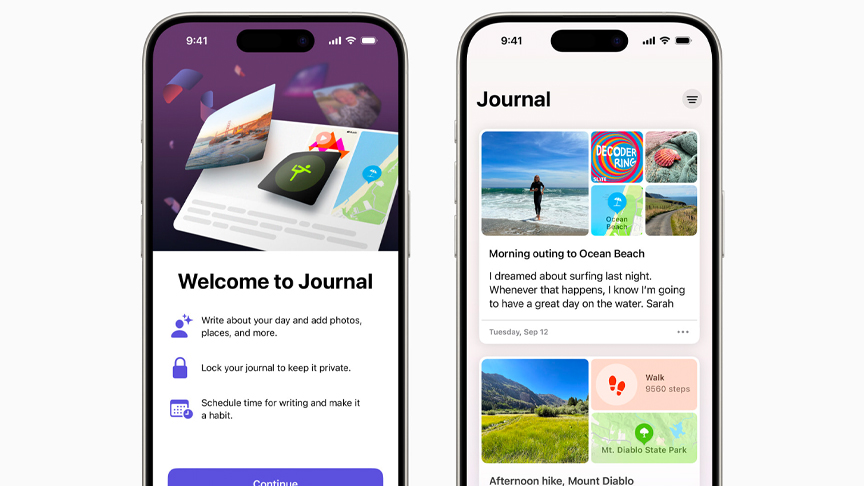
Journal, a new iPhone app available today, helps users reflect and practice gratitude through journaling, which has been shown to improve wellbeing. With Journal, users can capture and write about everyday moments and special events in their lives, and include photos, videos, audio recordings, locations, and more to create rich memories.
On-device machine learning provides private, personalized suggestions to inspire journal entries, and customizable notifications help users develop their writing habits. With the new Journaling Suggestions API, third-party journaling apps can also suggest moments for users to write about. Journal and the Journaling Suggestions API are available with the release of iOS 17.2.
“We are excited to bring the benefits of journaling to more people,” said Bob Borchers, Apple’s vice president of Worldwide Product Marketing. “Journal makes it easy to preserve rich and powerful memories, and practice gratitude by intelligently curating information that is personal to the user, right from their iPhone. And we’re making it possible for other journaling apps to offer the same personalized suggestions while maintaining the highest level of privacy.”
Capturing Life’s Moments
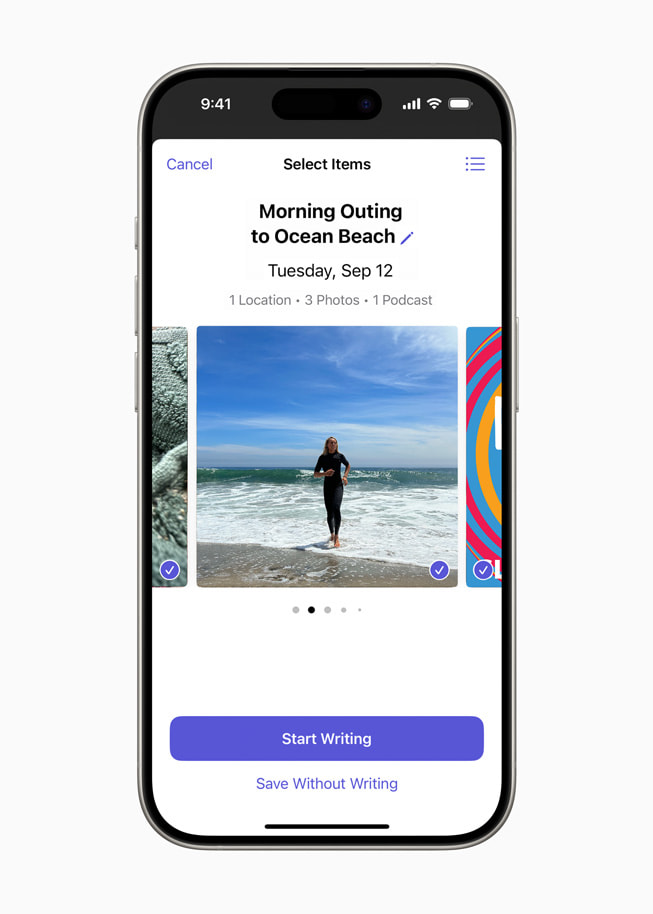
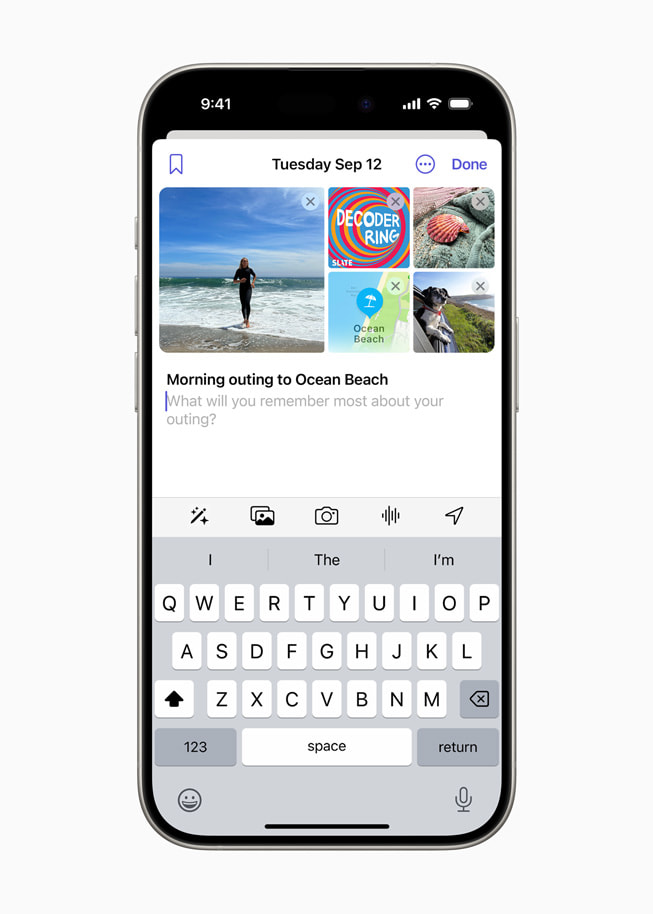
With Journal, it’s easy to get started by logging a simple text entry, or adding rich details like photos, videos, locations, or audio recordings to add more context. It’s just as easy to add content like a news article, music, or a podcast from other apps by bringing it into the Journal app and writing about it. Users can browse past entries, bookmark them, or filter for details like photos, workouts, places, and more. Scheduled notifications can help make journaling a consistent practice.
Personalized Suggestions and Reflection Prompts
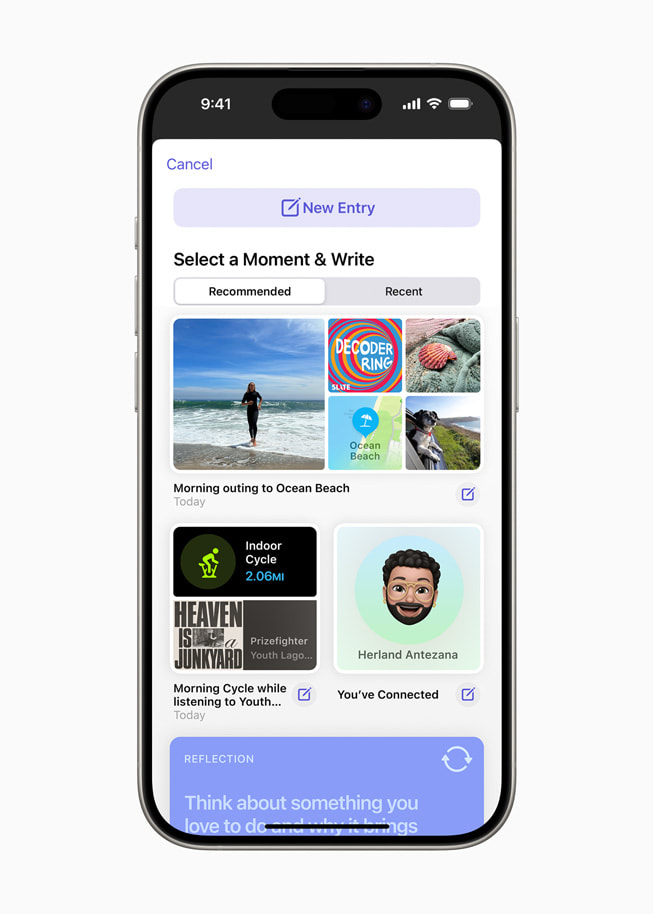
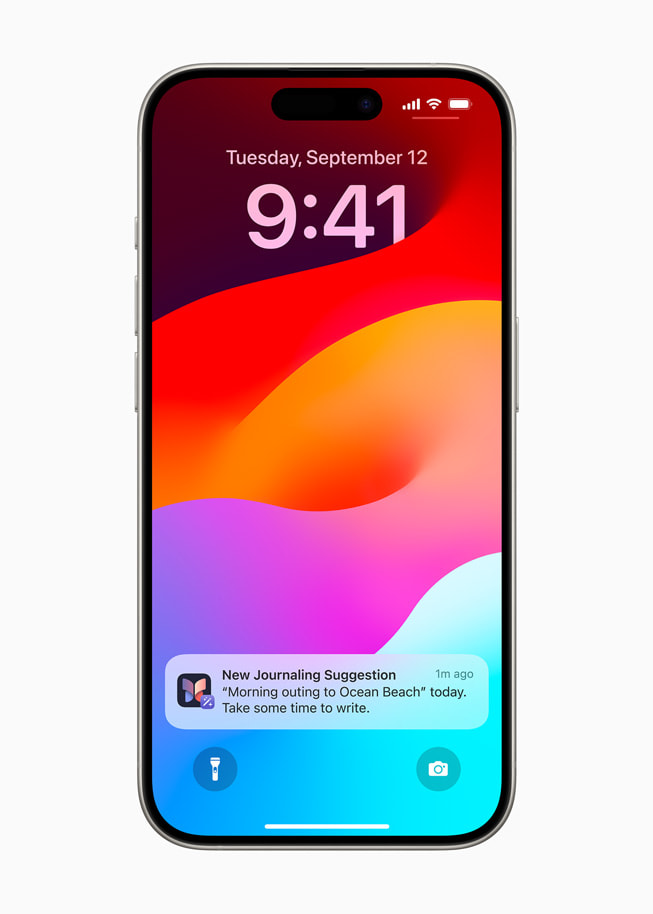
Intelligently curated personalized suggestions are designed to help users remember and write about a moment — like new places they’ve visited, photos they’ve taken, songs they’ve played, workouts they’ve completed, and more. Suggestions based on user activity include writing prompts to empower meaningful insights, and daily reflection prompts help users focus on gratitude, kindness, purpose, and more. Users control the type of content that appears in Suggestions and can create a journal entry with the Suggestions they choose.
In addition, developers can use the new Journaling Suggestions API to add personalized journaling suggestions to their apps, prompting users with moments to write about in a privacy-preserving way, so more people can benefit from journaling and the personalized, secure experience only iPhone can deliver.
“The Journal app is an exciting development for us because it introduces the benefits of digital journaling to a wider audience and ushers in a new chapter for the practice,” said Paul Mayne, founder of the journaling app Day One. “We have integrated the Journaling Suggestions API into the Day One app to give our users an even richer experience that puts privacy at the forefront, and we can’t wait for them to try it.”
Keeping Entries Personal and Private
Journal is built with privacy at its core. When iPhone is locked with a passcode, entries in the Journal app are encrypted. Additionally, users can choose to enable secondary authentication, and lock the Journal app with their device passcode, Face ID, or Touch ID. All Journal entries are end-to-end encrypted when stored in iCloud, so that no one but the user can access them. Journaling suggestions are created on device, and users can choose which suggested moments are shared with the Journal app and added to their Journal entries.