



















































By Lily Asis
DjVu is a technology of compact storage of electronic copies of docs created with the help of a scanner when the recognition of text is inexpedient.
A huge number of scanned books, magazines, docs, scientific works, etc. are stored in a file format DjVu. The files are compact due to a slight loss of image quality. Nevertheless, they retain photos, elements of decoration and other graphic nuances.
Despite the prevalence of DjVu files, many novice PC users face difficulties with opening them.
If the DjVu format file doesn’t open by double-clicking the mouse, then there’s not a suitable program for opening it on the PC. You need to download and install it.
Each scanned document, when stored in the DjVu format, consists of three layers, each of which is responsible for its piece of info. For example, the foreground (mask) – contains all the information about the display of the text component. The background stores the images and some features of the original document. The third layer is responsible for storing information about the first two.
There are many tools to work with DjVu files. Wikiext will help you to choose the one you need. And after that you can download the program.

With DjVu format files it’s very easy to work. In some cases, it is possible to copy the text of the document. If this isn’t possible, the format can easily be recognized optically and presented as editable text.
You can exploit free programs to open a file in DjVu format.
DjVu reader
The first utility that we would recommend is called DjVu reader. It’s a real «old school». It was used to open files of this format in the distant nineties. It is free and relevant to this day. To all fans of proven software, we recommend it.

Features of DjVu Reader:
- A very convenient program for reading files in DjVu format.
- Copying text, images.
- Correcting the contrast of the picture, as well as adjusting the brightness of any DjVu files.
- The presence of a useful tool bar, there are hot keys.
- Recognize text images that can be zoomed in/out.
- The Windows system correctly applies all the features of the program.
- DjVu Reader can copy text along with images to the clipboard.
- Work both in single- and double-page modes.
- The ability to quickly view files and open multiple e-books.
WinDjView
The second utility has a similar name to the first one – WinDjView. In this program, there’s nothing unusual. Because the support of the first project called DjVu Reader was terminated a few years ago it was replaced by a new program called WinDjView. It has more powerful functionality than the first and is supported by developers to this day. So if you like to use only fresh software, then we recommend it.
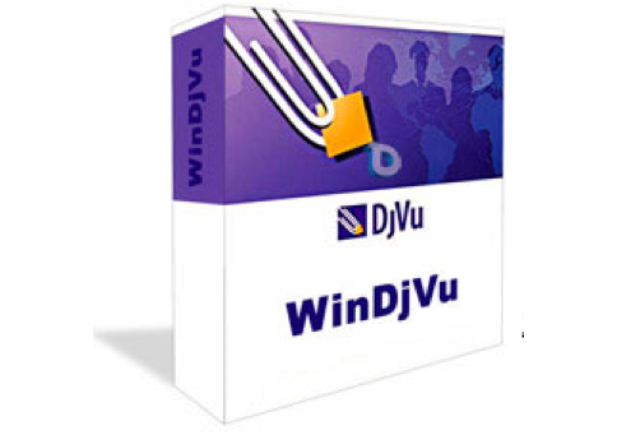
Some features of the WinDjView program:
- There is support for Windows XP, as many users still exploit this OS.
- You can make bookmarks and any annotations.
- You can search the text, there is a copy function.
- The contents of the file are presented in the form of thumbnails with a customizable size.
- Export the page to a picture format, it can be BMP, PNG or regular JPEG; other formats are supported as well.
- If necessary, you can rotate the page.
- Sub-pixel rendering (improving the clarity of small elements in black and white).
- Quick work.
The main disadvantage of the WinDjView program is that it doesn’t support the PDF format, but only DJV and DjVu.
Stdu Viewer
The third application is a real harvester, which opens almost all text formats. It is called Stdu Viewer. A fairly powerful program to open the DjVu file and not just it. For fans of all-inclusive, we recommend it.
The main feature of the layout is a wide range of supported formats: DjVu, PDF, Comic Book Archive (CBR or CBZ), XPS, TCR, multi-page TIFF, TXT, EMF, WMF, BMP, GIF, JPG, JPEG, PNG, PSD.

The program allows you to view multiple documents in one window, and also displays thumbnails of document pages in the sidebar. To read several books, there are separate tabs with the ability to search for each of them, and the bookmarks system allows you to return to the last read page at any time.
There is a possibility of page scaling, simultaneous display of several pages on the screen, rotation of pages by 90 degrees, brightness settings, contrast, gamma when displaying a document, adding bookmarks, to quickly find crucial fragments of text, print a document.