























































By Lily Asis
The world of online gaming has grown dramatically over the past decade. While building a stellar gaming system is at the top of every gamer’s wish list, one of the most important decisions to be made is monitor selection. Before spending a lot of hard earned money, there are many things to consider.
When shopping for a monitor(s), it’s basically shopping for a display that will optimize the gaming experience. There is no limit to what set ups can be created. Well, except when it comes to real estate. The space available for the monitor set up will dictate which size works. Otherwise, you’ll need to look for qualities that match your needs.
Panel size will depend on your space availability. Resolution is going to be the sharpness of the screen image. 24” screens will max out at 1920X1080p, which is full high-definition. 27” screens and larger, though can offer Wide Quad High-Def (WQHD), but will require a more powerful graphics engine.
Panel technology also offers various options:
Twisted Nematic Effect (TN) is affordable, has fast pixel response, and refresh rates. Color shifting, though, can be a problem when viewed at an angle.
Vertical Alignment (VA) is popular for its contrast and robust colors but is known for producing ghosting effects that can affect gaming performance.
Plane Switching (IPS) offers the overall greatest color quality with strong gray scale performance but can suffer from motion artifacts.
Pixel response is also to be considered. It refers to the transition time from one shade of gray to another. The lower pixel response, the better. Measured in milliseconds (ms), a gray-to-gray of 2ms or less is ideal. Refresh rate refers to the time it takes to refresh the display screen. Measured in hertz (Hz), 60Hz would mean the screen would be redrawn 60 times per 60 seconds.
Taking those indicators into account, the following list contains some gamer favorites for every budget level.
FAVORITES
At the top for overall gaming is the BenQ ZOWIE 24″ Console eSports Gaming LED 1080p HD Monitor – 1ms Response Time for Ultra Fast Console Gaming (RL2455).
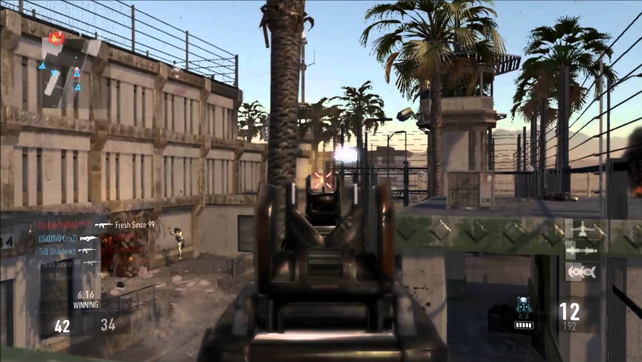
IMAGE SOURCE: YouTube
This one is a favorite for its full HD resolution, its super fast refresh rate, and its ability to be used across a variety of gaming genres. Another huge selling point here, too, is its affordability. Running the range of $200 makes it attractive especially for those desiring multiple screens.
For those running a powerful graphics engine wanting greater resolution and a larger panel size, the choice is ASUS ROG Swift PG279Q Gaming Monitor – 27″ 2K WQHD (2560 x 1440) IPS, overclockable 165Hz, G-SYNC.
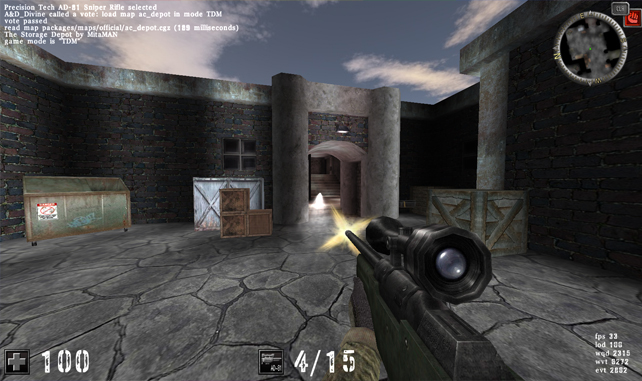
IMAGE SOURCE: Wikimedia
The G-sync combined with a 165Hz refresh rate makes for ultra-smooth graphics. The IPS panel, known for all-around color quality makes for a double win. Price range is $800.
For the person who has no space or budget limitations, the go-to would be the curved screen Predator. Acer Predator X34, 34-inch Curved UltraWide QHD (3440 x 1440) NVIDIA G-Sync Widescreen Display (X34 bmiphz).
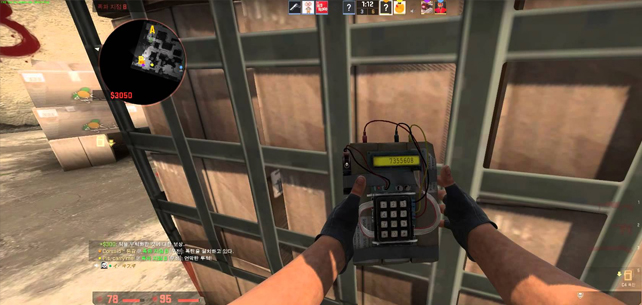
IMAGE SOURCE: YouTube
The UltraWide QHD NVIDIA G-Sync display offers total game immersion, no screen tearing, and minimal stuttering. This is the ultimate in gaming experiences.
Regardless of gaming genre, there are numerous options available. First-person-shooter (FPS) games, interactive sports, and other fast-action games require gaming engines that will need a monitor that keep the game play smooth, without blurring, tearing, and flickering.
Adventure games, poker, chess, etc., have monitor requirements that aren’t so high. However, the growing interest in online games that require a multi monitor setup made users create their own gaming stations – some more elaborate than others.
It all comes down to environment, personal likes, and play style. There is a setup for everyone.