





























































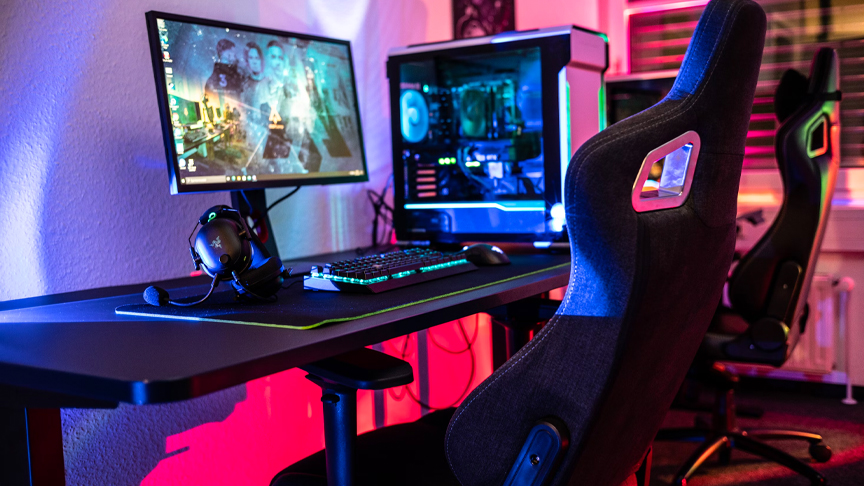
PC gaming has become increasingly popular over recent years, especially considering that top-end hardware has reached an accessible price point. You can buy a gaming PC pre-built, but where’s the fun in that?
Choose the Right Components
The first step in your journey is choosing which components to build your gaming PC with. There are many different factors to consider including budget, compatibility, personal preferences, and gaming needs. Here’s a very brief overview of the different components you need to buy:
- Case. Your case needs to have good airflow and enough space to fit your components. Mid towers (ATX case) are the most common option.
- Motherboard. All components attach to the motherboard, which is a circuit that lets everything communicate. CPU, RAM, and storage compatibility must be taken into account when choosing a motherboard.
- CPU. A computer’s brain, the CPU processes instructions and turns them into what you see on the screen. Gaming PCs need a CPU with a high clock speed/high thread and core count.
- RAM. Any data used by a PC uses memory, which is taken from available RAM. 16GB RAM is often enough for a quality gaming PC build.
- Graphics card (GPU). The GPU supports the CPU and renders game graphics. If you’ll be playing AAA games, then choose a GPU with high clock speed and large video memory.
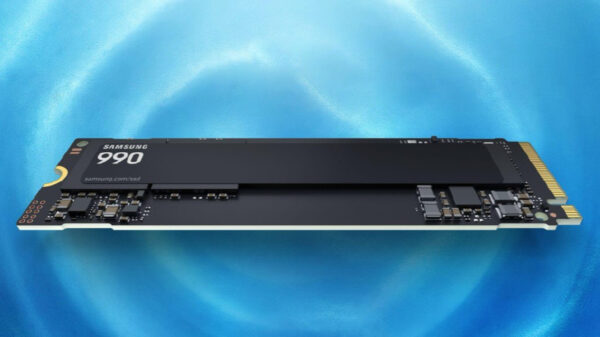
- Storage. Some games take up a lot of space during installation, so choose a solid-state drive (SSD) with plenty of storage space.
- Power supply. Choose a power supply with enough wattage to power each component.
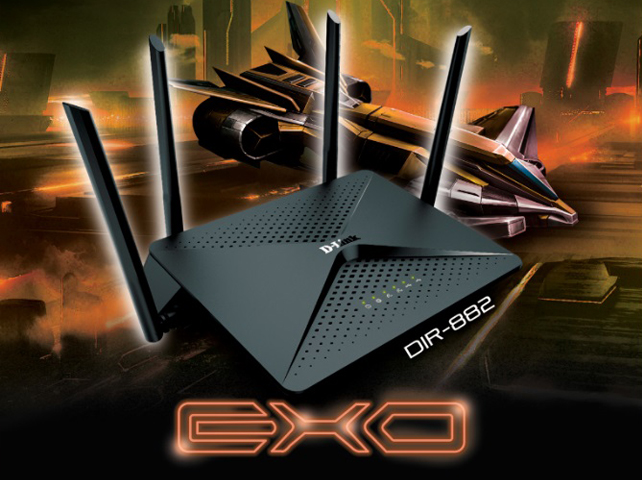
As well as these components, you’ll need to ensure your PC can connect to the internet. Some people install Wi-Fi antennas or use wireless USBs, but there’s always the option to use ethernet, which is considered more optimal for gaming. Regardless of which route you follow, choose a plan from one of the best fiber internet providers.
Assemble the System
When your parts arrive, it’s time to assemble the gaming PC. Although this task can appear complete, it’s relatively straightforward and you need a flat surface, a guide, and a screwdriver. After preparing your surface, pull up a tutorial and get to work slotting everything into place.
During the build, you will need to manage the cables to avoid having a chaotic finish. All you need is a few cable ties, and most PC cases have holes and grooves for trailing wires.
Install the Operating System
The moment of truth: plug the PC in and turn it on. If all goes well, it’s time to install the operating system (OS), which allows you to run programs. Windows is the most popular and stable option, but some people use a Linux-based OS.
As your PC won’t be connected to the internet just yet, you’ll need to install the OS from a bootable drive, which can easily be created from a different PC. Then, all you need to do is follow the instructions to get connected.
Building a gaming PC is a fun journey with a rewarding end, especially considering you’ll understand how to make upgrades in the future.