





































































Virus attacks can appear out of nowhere for any computer user. And the main problem is dealing with the fallout that comes from these attacks. This is why it’s very important to find a good file recovery software which will help you regain your lost files fast and easy.
EaseUS Data Recovery Wizard Free is a professional, free data recovery software that can help you get your files back even if you deal with a very complex virus attack.
Why is EaseUS Data Recovery Wizard Free the right solution for file recovery?
When you deal with virus attacks, it’s super important to eliminate any virus instances from the computer before you attempt any recovery. Once you installed security software and removed the malware from your computer, you have to install this free data recovery software. EaseUS Data Recovery Wizard Free is easy to download, and you don’t have to pay anything for it.
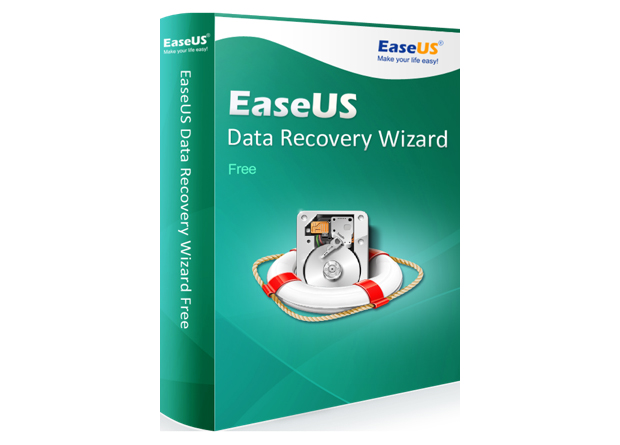
On top of that, you have a very fast recovery process that requires just a few steps. You can also opt for a quick scan or a comprehensive scan, depending on the amount of files you want to recover and their size, among other factors. The benefit you get from this file recovery software is that you can also preview every file before recovery. This means you can see whether the file is corrupted or not and you can always adjust or adapt everything to suit your needs.
How can you recover files with EaseUS Data Recovery Wizard Free?
- The first thing you want to do is to install EaseUS Data Recovery Wizard Free on your computer. Once the app is installed, open it and then choose the drive where you want to recover files from. Keep in mind that this free data recovery software also shows the lost partitions in there as well.
- Then you will have to scan your computer or device. As we mentioned earlier, you have a Deep Scan or a Quick Scan. The first option is more comprehensive, but it also requires a lot more time since it will scan the entire drive, not only select portions. If you want a fast scan, then the quick scan option will work very well for you.
- Wait until the scan is complete. In the end, you will get to see the results, and you can even preview files before recovery. What this means is that you get to see if the file you want to recover can be fully recovered or if it’s corrupted. Press Recover once you selected the files suitable for recovery.
Even if you had to deal with a virus attack, you can still get your lost files back. Use a free data recovery software like EaseUS Data Recovery Wizard Free, and you will have no problem regaining control over your files fast and easy. Give this file recovery software a shot, and you will see how easy it can be to get your data back after the virus attack.