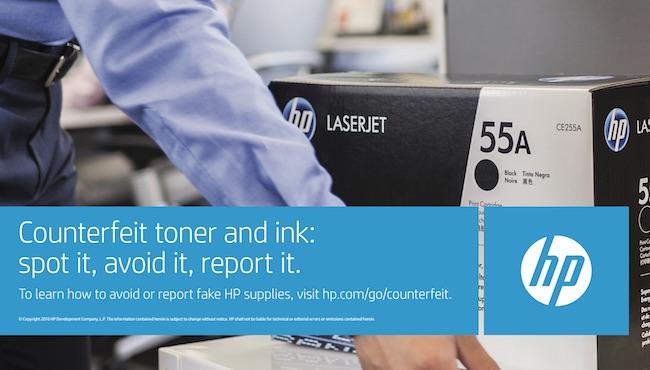
With the continuous proliferation of counterfeit products and supplies such as ink and toners cartridges in the market, HP Philippines further endeavors to help protect businesses against using possible fake products by offering free Customer Delivery Inspection (CDI).
The HP Customer Delivery Inspections are on-site examination of large or medium-sized deliveries of printing supplies which are suspected to contain counterfeits. The checks are conducted by HP anti-counterfeiting and fraud experts, upon the request of customers.
The inspections are meant to protect business operations from the impacts of using poor quality fake printing products and supplies such as substandard print-outs, stalled printing jobs and damaged printers which can interrupt workflow and incur additional costs.
HP customers who notice suspicious bids in tenders or believe a delivery to contain suspicious products can request for an examination by filling out a Customer Delivery Inspection request form and emailing it to apj.anti-counterfeit@hp.com.
The HP anti-counterfeiting and fraud program administrator will review the request and will arrange a free product inspection if the suspicion is deemed to be credible. If counterfeits are found, the customer is asked to refrain from buying from that supplier and instead buy genuine products directly from HP authorized resellers.
Customers can also protect themselves against using counterfeit products by recognizing original HP supplies through mobile authentication, tamper-evident label check, security seal check, and online validation.
Mobile authentication involves scanning the QR code on the HP product with a smartphone to validate authentic HP supplies. Using the tamper-evident label check, consumers can look for signs of cartridge tampering: pattern lines do not match, colored label instead of transparent, or label text shows ‘seal is void’.
To check the security seal, tilt the box front to back to show “OK” and “√” moving in opposite directions while tilting the box left to right will show “OK” and “√” moving in the same direction. To validate online, visit hp.com/go/ok and enter the anti-counterfeit number found in the security seal.