








































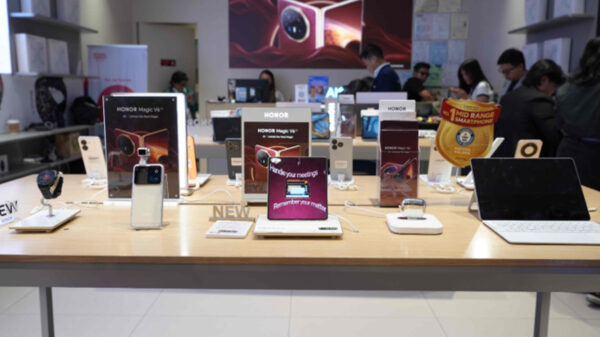























Android has a stranglehold on the smartphone market worldwide. According to Strategy Analytics, Android dominated the global smartphone market again last year with 1 billion units shipped worldwide, accounting for 81 percent of all smartphones shipped last year. Without a doubt, Android is the most popular mobile operating system in the world.
“Many users choose Android over other OS-based devices because first, the devices can be relatively cheap; second, it’s known for fast and efficient data storage and third, it’s available across different form factors, brands, and price points,” said Paul Oliveria, researcher at Trend Micro.
However, it is this very freedom that makes Android a viable platform for cybercriminals and hackers to exploit. Android users should know that the data on their devices can be stolen, spied on, and used by cybercriminals if they aren’t careful. With hackers and cybercriminals being almost untraceable these days, securing one’s mobile device and data should be of utmost importance, and only the user can make sure this happens.
Securing one’s devices needn’t be complicated and Trend Micro has come up with a list of 7 simple security tweaks that mobile users can employ to ensure that their data is safely protected:
1. Lock the screen – Enabling a screen unlock code will prevent a device thief from accessing your mobile data.
2. Protect your data – Android virtually comes with pre-installed security measures that can be easily accessed and enabled from the security submenu. The Android security screen also includes an option to encrypt the device. Enabling this option will help protect sensitive information stored in the device.
3. Strengthen passwords and app permissions – Google does a fine job at synching their updates with Android devices. However, some manufacturers take a little more time to update. Remember to check the features that you allow the app to access, and don’t forget to use strong and unique passwords. If you re-use your passwords, hackers can effortlessly guess the passwords on your other accounts.
4. Install a security app – It’s always a good idea to make use of security apps. An app that offers anti-theft features like remote wipe-out, tracking, and locking, as well as malware scanning and detection can help mitigate potential threats. For example, Trend Micro Mobile Security is a security app for Android phone and Android tablet, which blocks malicious apps from Google Play before they are installed; guards against identity theft and viruses; blocks dangerous and fraudulent websites; protects your privacy on Facebook; protects kids online; and even extends battery life and optimizes device performance and memory.
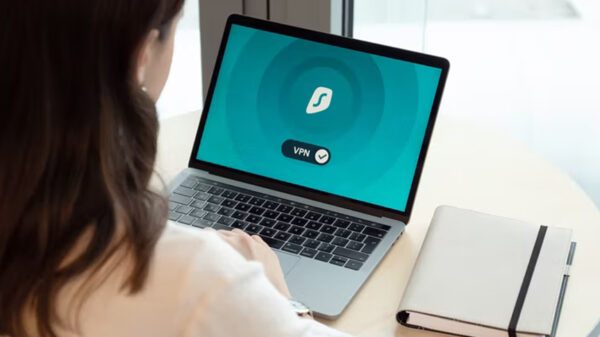
5. Connect to secure networks – Whenever you go online using a network you don’t know, such as public Wi-Fi, you should be more careful because unsecured Wi-Fi networks can be used to stage man-in-the-middle attacks where data can be intercepted by a third party. Avoid online banking, financials, and purchasing over public networks. If you use Wi-Fi at home, please make sure you use a password to secure your router.
6. Avoid rooting your device – Before rooting your Android device, consider the pros and cons first. While it allows you more control over your device, it could also allow unsigned apps, including malicious ones, access to your data. This also makes it difficult to patch and update your OS and apps, which could leave your device vulnerable.
7. Download from official app stores – Downloading from third-party sites or app stores is one of the easiest ways for any mobile device to get infected with malware. Limiting your apps to those from official or trusted app stores (like the Google Play app store) can lower the risks.